vMail OLM to PST Converter
Convert Mac Outlook OLM file to Windows Outlook PST, EML, EMLX, HTML, ICS, VCF, MSG, MBOX, Gmail, PDF, and Office 365

Checks By Phone+ is a simple to use program that lets you get checks by phone, by fax or even by mail, and print the corresponding bank draft. Checks By Phone+ will then print the check deposit form so you can put the checks in your account.
| Released: | 24 / 12 / 2021 |
| Price: | 99.99 |
| Type: | Demo |
| Category: | Business::Accounting & Finance |
| Install Support: | Install and Uninstall |
| Platform: | Windows |
| OS: | Win2000,WinXP,Win7 x32,Win7 x64,Windows 8,Windows 10,WinServer,WinOther,WinVista,WinVista x64 |
| Limitations: | Processes up to 5 checks. Unlimited checks once purchased. |
| Change Info: | - New release - |
| Size : | 47.25 MB |
Checks By Phone+ is a simple to use program that lets you get checks by phone, by fax or even by mail, and print the corresponding bank draft.
Checks By Phone+ will then print the check deposit form so you can put the checks in your account.
Get the information from the customer by phone, type it as you go, print the check and the deposit form right away.
The check can be taken to the bank immediately.
The checks are printed with at the bottom special MICR characters which will be used by banks for processing.
So now your printed checks can be used the same way as a pre-printed check.
Most interaction with the program is done right on the opening screen, pretty much the same way you would proceed with a paper checkbook.
The app is set to be used with a mouse, or from the keyboard, going from one field to another with the tab key.
The main screen shows the content of a check.
Once complete, it can be printed right away on top, middle, bottom, or 3 per page.
Business checks can be used, or Personal ("wallet") size (a checkbox "Personal") in the left hand side sets that format.
Store to print later allows preparing series of checks, and print them all in batch at the same time later.
The tape recorder blue arrows allow you to get back to previous checks, to the first one, or the last.
The search field can find any word or amount, and then the previous and next arrows allow to navigate the search.
The log shows all the bank drafts that were created.
Date, number, payer, bank, payee (usually you), amount, memo (for), payee's address, routing and account number, check number.
The last columns show which checks have been deposited with a check mark, and which ones have been stored to be printed (a small printer).
The database can be searched for any word or amount with the field that shows a lens.
All the data is searched.
Checks By Phone+ is a simple to use program that lets you get checks by phone, by fax or even by mail, and print the corresponding bank draft. Checks By Phone+ will then print the check deposit form so you can put the checks in your account. Get the information from the customer by phone, type it as you go, print the check and the deposit form right away. The check can be taken to the bank immediately.

Convert Mac Outlook OLM file to Windows Outlook PST, EML, EMLX, HTML, ICS, VCF, MSG, MBOX, Gmail, PDF, and Office 365
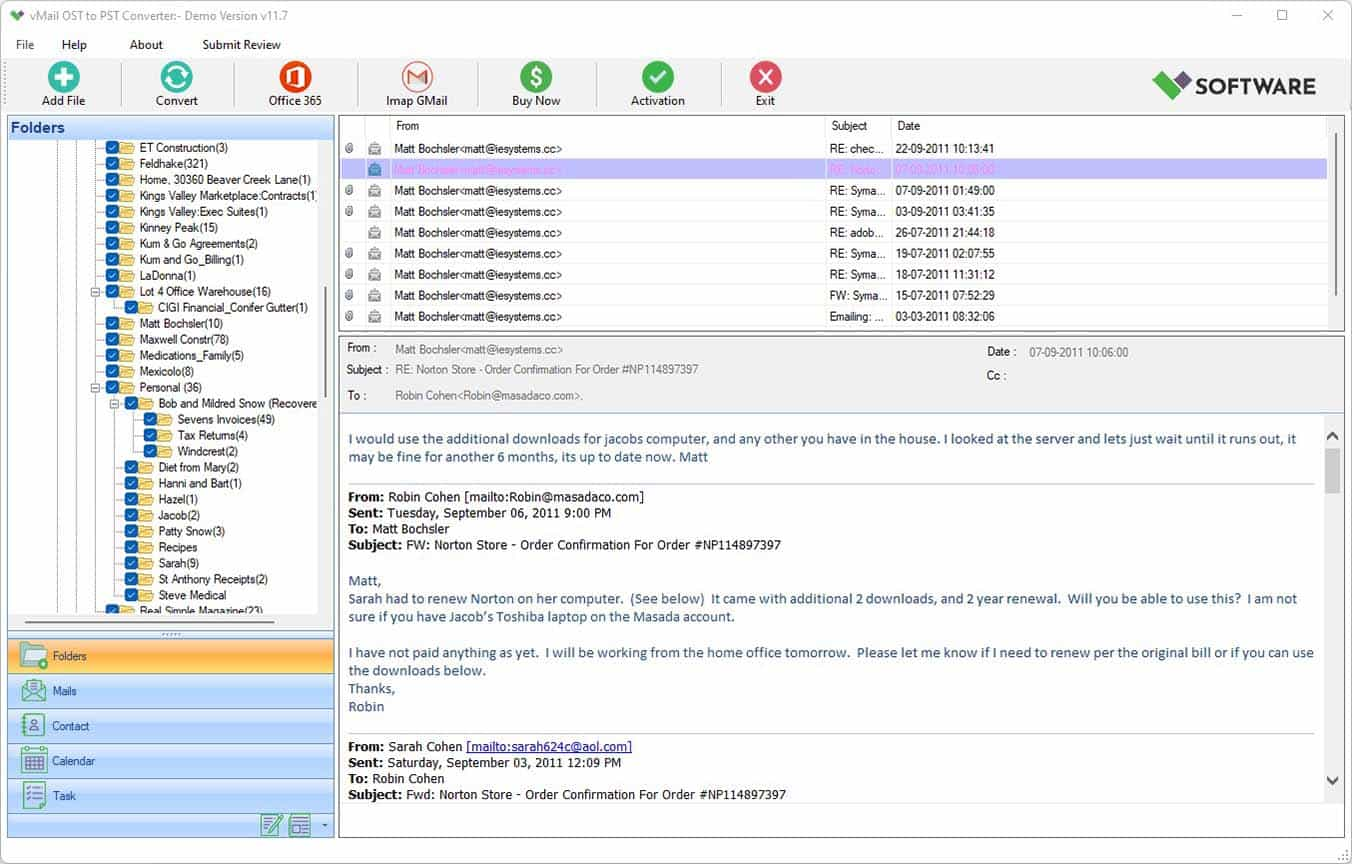
vMail OST Converter help to convert Outlook OST file to PST, MSG, MBOX, EML, EML X, HTML, PDF, RTF, vCard & vCal file formats

NSF to PST Converter easy to convert Lotus Notes (*.NSF) Files into Outlook PST, MBOX, Windows Live Mail (*.EML), MSG File
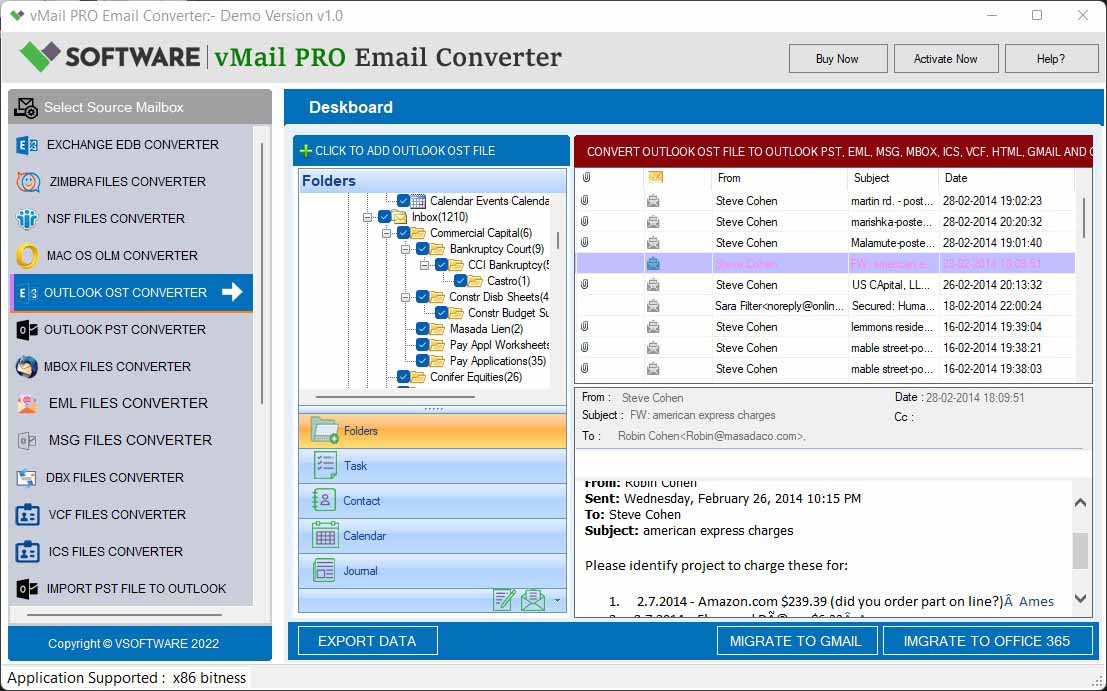
vMail Email Converter Supported 22+ Email Clients or File. Single Tool Import and Export Email to PST, EML, MSG, MBOX, Gmail and Office 365

vMail Zimbra to PST Converter Supported Outlook Version including 2021, 2019, 2016, 2013, 2010, 2007, and 2003
Leave a Reply