vMail OLM to PST Converter
Convert Mac Outlook OLM file to Windows Outlook PST, EML, EMLX, HTML, ICS, VCF, MSG, MBOX, Gmail, PDF, and Office 365
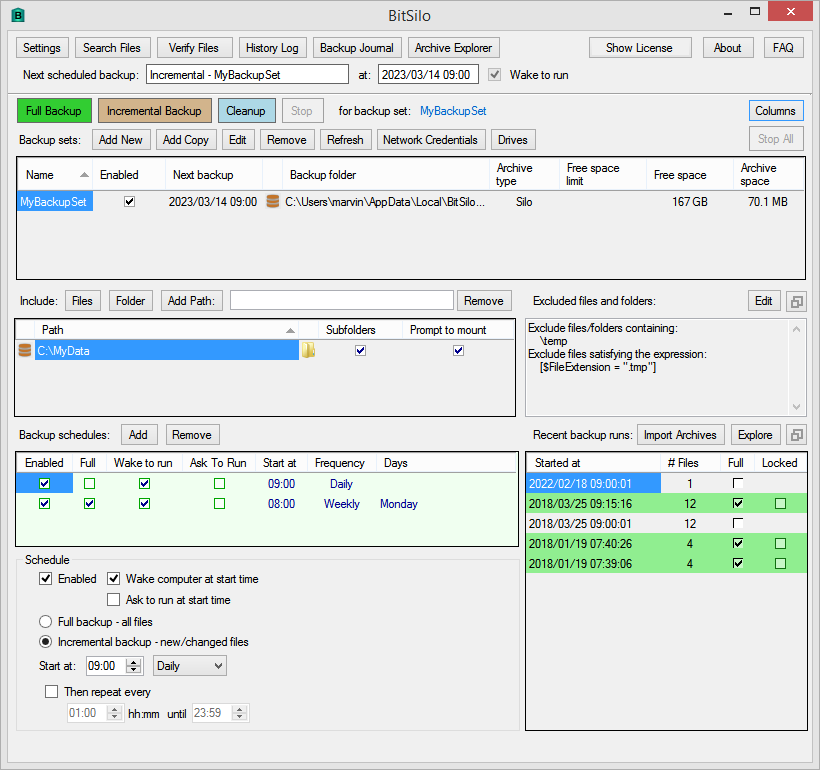
BitSIlo creates timestamped backups for files and directories you specify. Create multiple backup sets, each containing different set of files or directories to be backed up on a daily/weekly/monthly schedule.
| Released: | 16 / 03 / 2023 |
| Price: | 9.95 |
| Type: | Shareware |
| Category: | System Utilities::Backup & Restore |
| Install Support: | Install and Uninstall |
| Platform: | Windows |
| OS: | Win2000,WinXP,Win7 x32,Win7 x64,Windows 8,Windows 10,WinServer,WinOther,WinVista,WinVista x64 |
| Limitations: | Trial version - 60 days |
| Change Info: | 1.3.4.0 - Ask to run for schedules; one-time schedules. Added ask to stop checkbox in Settings dialog. Expandable panels on main window. Asynchronous wait for Stop or Stop All buttons. |
| Size : | 1.80 MB |
** BitSilo creates timestamped backups for files and directories you specify.
** Create multiple backup sets, each containing a different set of files or directories to be backed up on a daily/weekly/monthly schedule.
** Create a full backup to save all the specified files; create an incremental backup to save only those files that have changed since the last backup.
** Exclude files from the backup using any part of the file folder or name, or using a filter expression.
** Restore files from any backup using a flexible query language to find files.
** Verify (compare) files in any backup against the original source files, either automatically after each run, or at any later time.
** Backup files can be stored in a folder, in a 'Silo' format for efficiency, or in a zip file (zip size limited to about 1.8 GB).
** Automatic cleanup of old backups with flexible rules governing which recent backups to keep.
Lock a backup run to prevent cleanup from removing it.
** Backups and source files can reside on any addressable network share if desired.
** Recognize removable drives by volume serial number, even if the drive letter changes.
BitSilo creates timestamped backups for files and directories you specify. Create multiple backup sets, each containing a different set of files or directories to be backed up on a daily/weekly/monthly schedule. Create a full backup to save all the specified files; create an incremental backup to save only those files that have changed since the last backup. Restore files from any backup using a query language to find files. Verify files.

Convert Mac Outlook OLM file to Windows Outlook PST, EML, EMLX, HTML, ICS, VCF, MSG, MBOX, Gmail, PDF, and Office 365
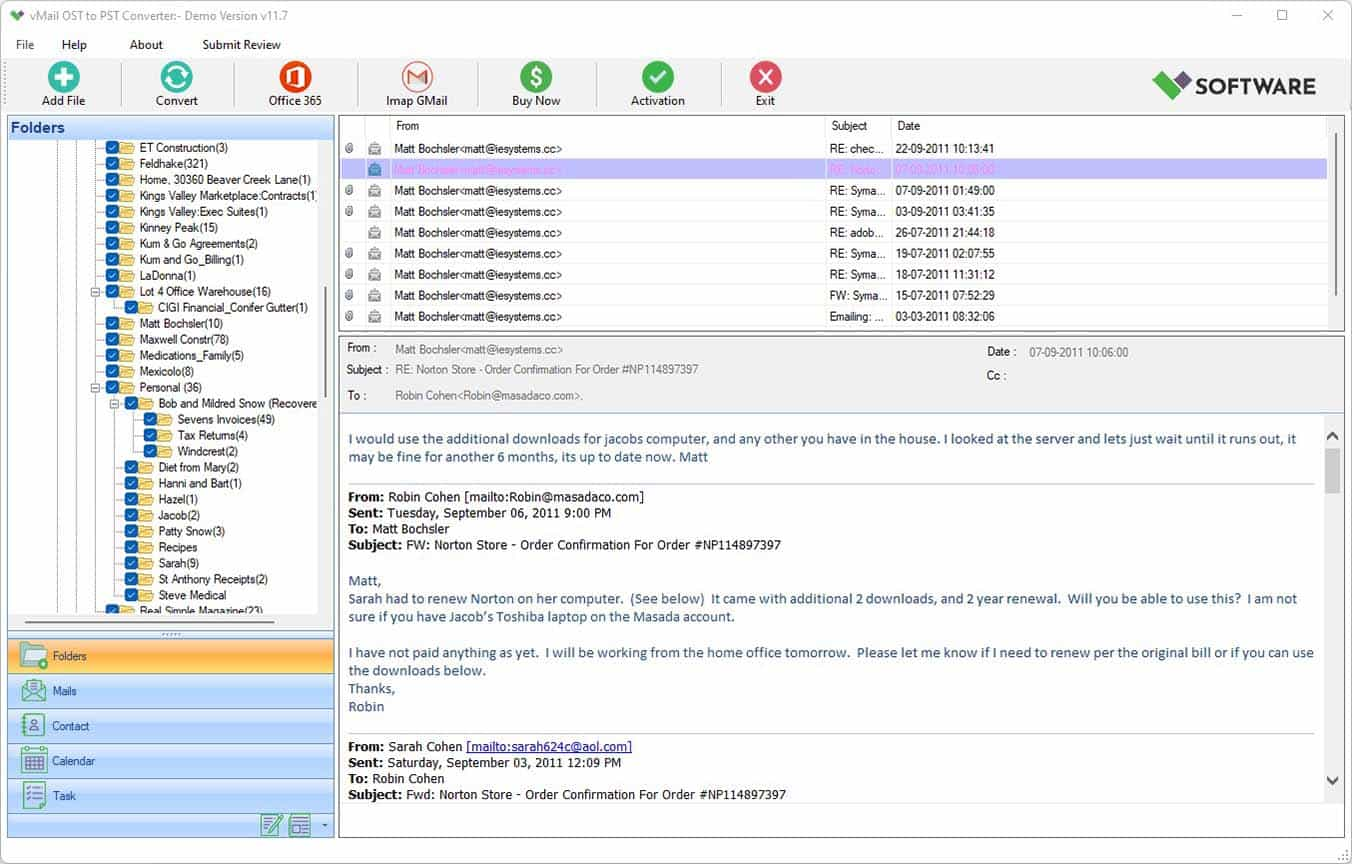
vMail OST Converter help to convert Outlook OST file to PST, MSG, MBOX, EML, EML X, HTML, PDF, RTF, vCard & vCal file formats

NSF to PST Converter easy to convert Lotus Notes (*.NSF) Files into Outlook PST, MBOX, Windows Live Mail (*.EML), MSG File
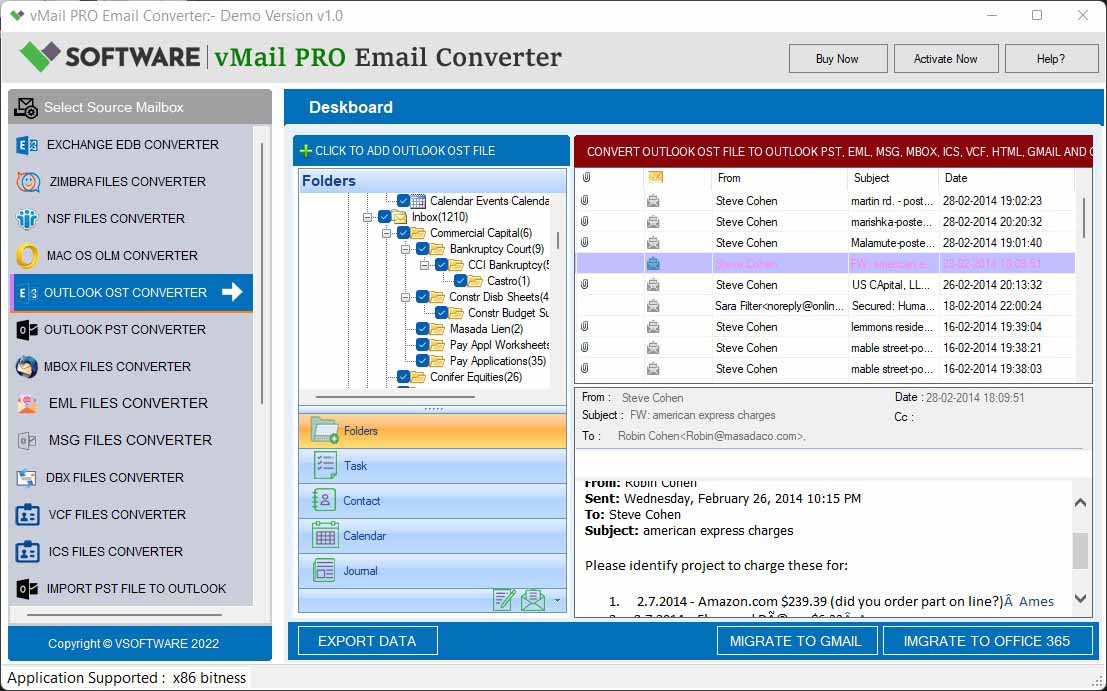
vMail Email Converter Supported 22+ Email Clients or File. Single Tool Import and Export Email to PST, EML, MSG, MBOX, Gmail and Office 365

vMail Zimbra to PST Converter Supported Outlook Version including 2021, 2019, 2016, 2013, 2010, 2007, and 2003
Leave a Reply