vMail OLM to PST Converter
Convert Mac Outlook OLM file to Windows Outlook PST, EML, EMLX, HTML, ICS, VCF, MSG, MBOX, Gmail, PDF, and Office 365
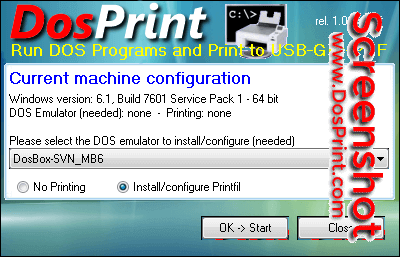
DosPrint allows you running DOS programs on modern Windows computers (64 bit too) and printing to Windows printers (including USB, GDI and PDF) by installing specialist third party programs specifically designed to solve these common DOS problems.
| Released: | 08 / 02 / 2022 |
| Type: | Freeware |
| Category: | System Utilities::Shell Tools |
| Install Support: | Install and Uninstall |
| Platform: | Windows |
| OS: | Win2000,WinXP,Win7 x32,Win7 x64,Windows 8,Windows 10,WinServer,WinOther,WinVista,WinVista x64 |
| Limitations: | none |
| Change Info: | 1. Added support for Windows 11 and Windows Server 2022 Terminal Server ; 2. If you choose the "Install/configure Printfil" option, then the newest Printfil 5.28 version is installed, that supports Win11 and Win2022 too ; 3. More news at https://www.DosPrint.com/enews.htm ; |
| Size : | 0.68 MB |
DosPrint allows you running DOS programs on modern Windows computers (64 bit too) and printing to Windows printers (including USB, GDI and PDF) by installing specialist third party programs specifically designed to solve these common DOS problems.
It checks if you've a 32/64 bit Windows version (in the last case a DOS emulator is needed to run a DOS program, otherwise Windows itself is enough), and selects the best additions for you to install.
At that point you just have to accept them or change them with your preferred choices and click OK -> Start, then DosPrint will automatically download, install and configure the programs you selected to run your DOS applications and/or print to the already installed Windows printers without having to manually download, install, and learn how to configure them (that usually would mean manually editing huge text files).
Yes, with a couple of clicks you can have DosPrint making all the job for you, and in a few minutes you'll be ready to run your DOS programs and have them automatically printing to any printer that's installed in the Windows Control Panel.
DosPrint allows you running DOS programs on modern Windows computers (64 bit too) and printing to Windows printers (including USB, GDI and PDF) by installing specialist third party programs specifically designed to solve these common DOS problems. It checks if you've a 32/64 bit Windows version (in the last case a DOS emulator is needed to run a DOS program, otherwise Windows itself is enough), and selects the best additions for you to install.

Convert Mac Outlook OLM file to Windows Outlook PST, EML, EMLX, HTML, ICS, VCF, MSG, MBOX, Gmail, PDF, and Office 365
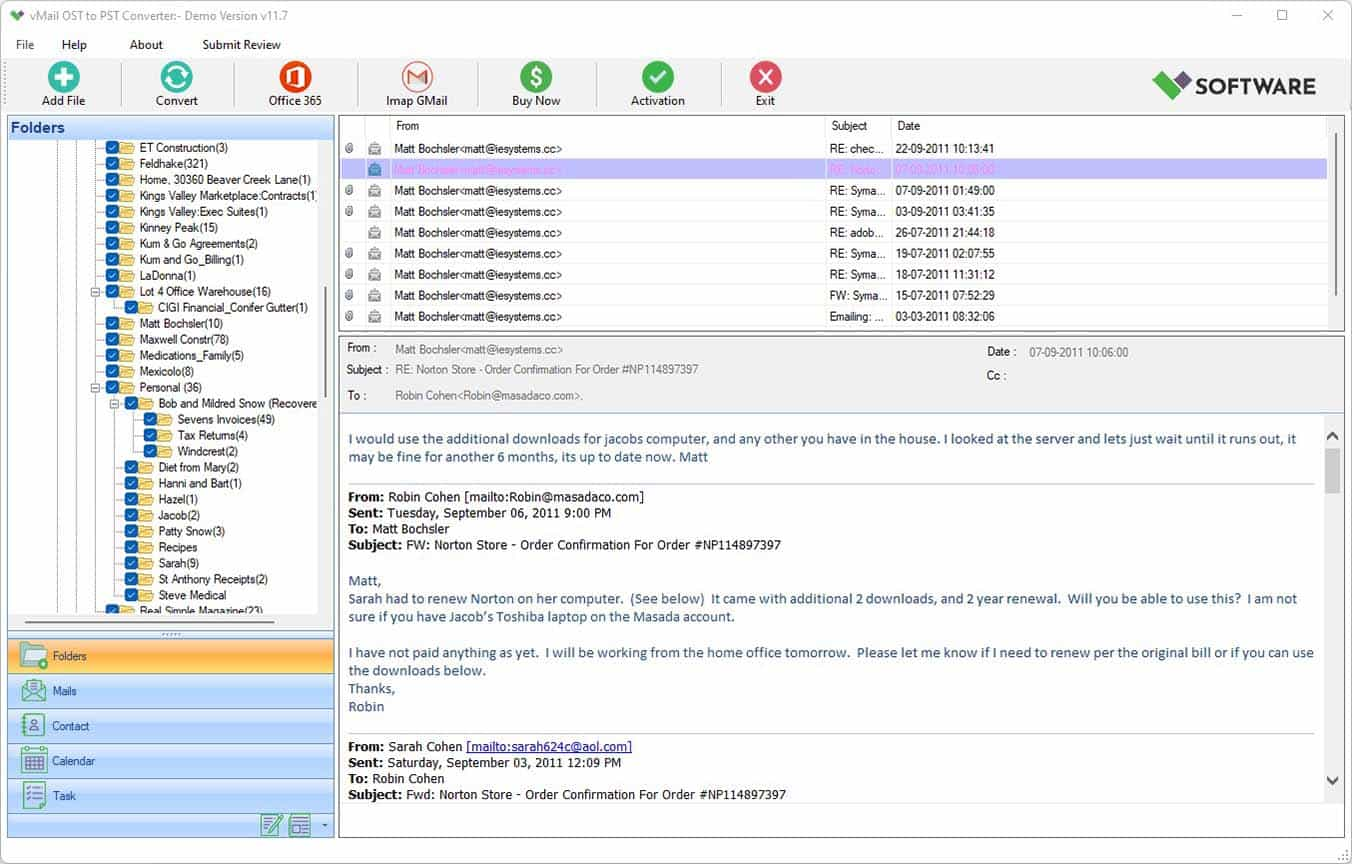
vMail OST Converter help to convert Outlook OST file to PST, MSG, MBOX, EML, EML X, HTML, PDF, RTF, vCard & vCal file formats

NSF to PST Converter easy to convert Lotus Notes (*.NSF) Files into Outlook PST, MBOX, Windows Live Mail (*.EML), MSG File
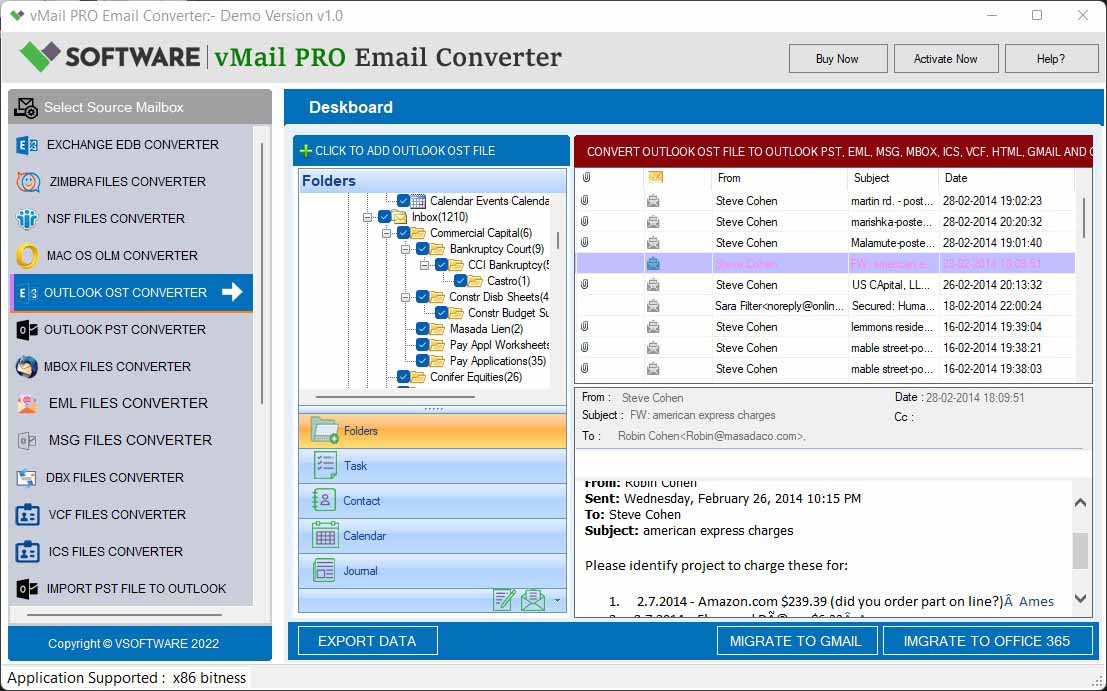
vMail Email Converter Supported 22+ Email Clients or File. Single Tool Import and Export Email to PST, EML, MSG, MBOX, Gmail and Office 365

vMail Zimbra to PST Converter Supported Outlook Version including 2021, 2019, 2016, 2013, 2010, 2007, and 2003
Leave a Reply