vMail OLM to PST Converter
Convert Mac Outlook OLM file to Windows Outlook PST, EML, EMLX, HTML, ICS, VCF, MSG, MBOX, Gmail, PDF, and Office 365
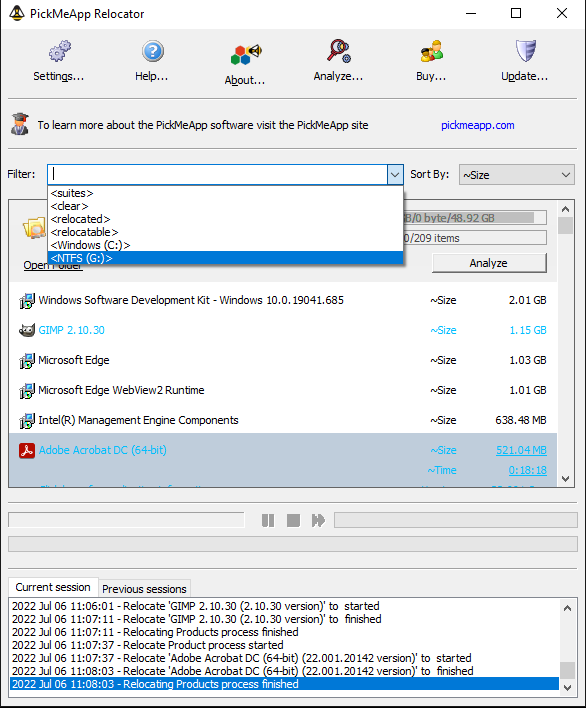
PickMeApp Relocator can relocate an installed application from one storage device to another on the same computer without having to perform an installation/reinstall.
| Released: | 02 / 02 / 2024 |
| Type: | Freeware |
| Category: | System Utilities::System Maintenance |
| Install Support: | Install and Uninstall |
| Platform: | Windows |
| OS: | Win2000,WinXP,Win7 x32,Win7 x64,Windows 8,Windows 10,WinServer,WinOther,WinVista,WinVista x64 |
| Limitations: | none |
| Change Info: | Policy Settings: Introducing options to automatically stop applications during uninstall. Error Logging: Enhanced log details for more efficient problem-solving Uninstallation: Resolved issues in uninstalling some transferred applications UI/UX Improvement, bug fixes and performance enhancements. |
| Size : | 10.11 MB |
PickMeApp Relocator can relocate an installed application from one storage device to another on the same computer.
During relocation, PickMeApp Relocator calculates required disk space, identifies application folders that are safe to relocate, moves applications folders to the new destination, cleans up leftover data and confirms application integrity after relocation.
PickMeApp Relocator may undo any unsuccessful relocation and keeps the computer save state throughout the relocation process.
In some cases, restarting the computer and running PickMeApp Relocator again is required to complete a relocation.
Relocated software works seamlessly with management operations such as running, terminating, capturing, uninstalling, and upgrading installed software.
After uninstalling an application, PickMeApp Relocator will cleanup any leftover application data and preserve relocated applications.
Users can always reverse the relocation by recovering the software and putting it back in its original location.
PickMeApp Relocator starts the relocation of an installed application by ending all running application processes.
The relocation may last from a few seconds to several minutes, depending on the size of the application and speed of the source and destination drivers.
Software suites, e.g., Microsoft Office, are managed as a single application.
All applications in a software suite are relocated at once.
In some cases, you may be prompted to restart your computer and to run PickMeApp Relocator again to finalize the relocation of applications.
PickMeApp Relocator supports relocating applications on all Windows operating systems with NTFS storage systems, starting from Windows XP SP3 and up.
By using PickMeApp to move applications on another disk, users will effectively free up to 99% of system disk space that was previously occupied by installed applications to prolong the life span of Windows computers with insufficient SSD disks.
PickMeApp Relocator moves installed programs from one drive to another on the same computer. The Relocator calculates required disk space, identifies application folders that are safe to relocate, moves applications folders to the new destination, cleans up leftover data and confirms application integrity after relocation. The Relocator may undo any unsuccessful relocation and keeps the computer save state throughout the relocation process.

Convert Mac Outlook OLM file to Windows Outlook PST, EML, EMLX, HTML, ICS, VCF, MSG, MBOX, Gmail, PDF, and Office 365
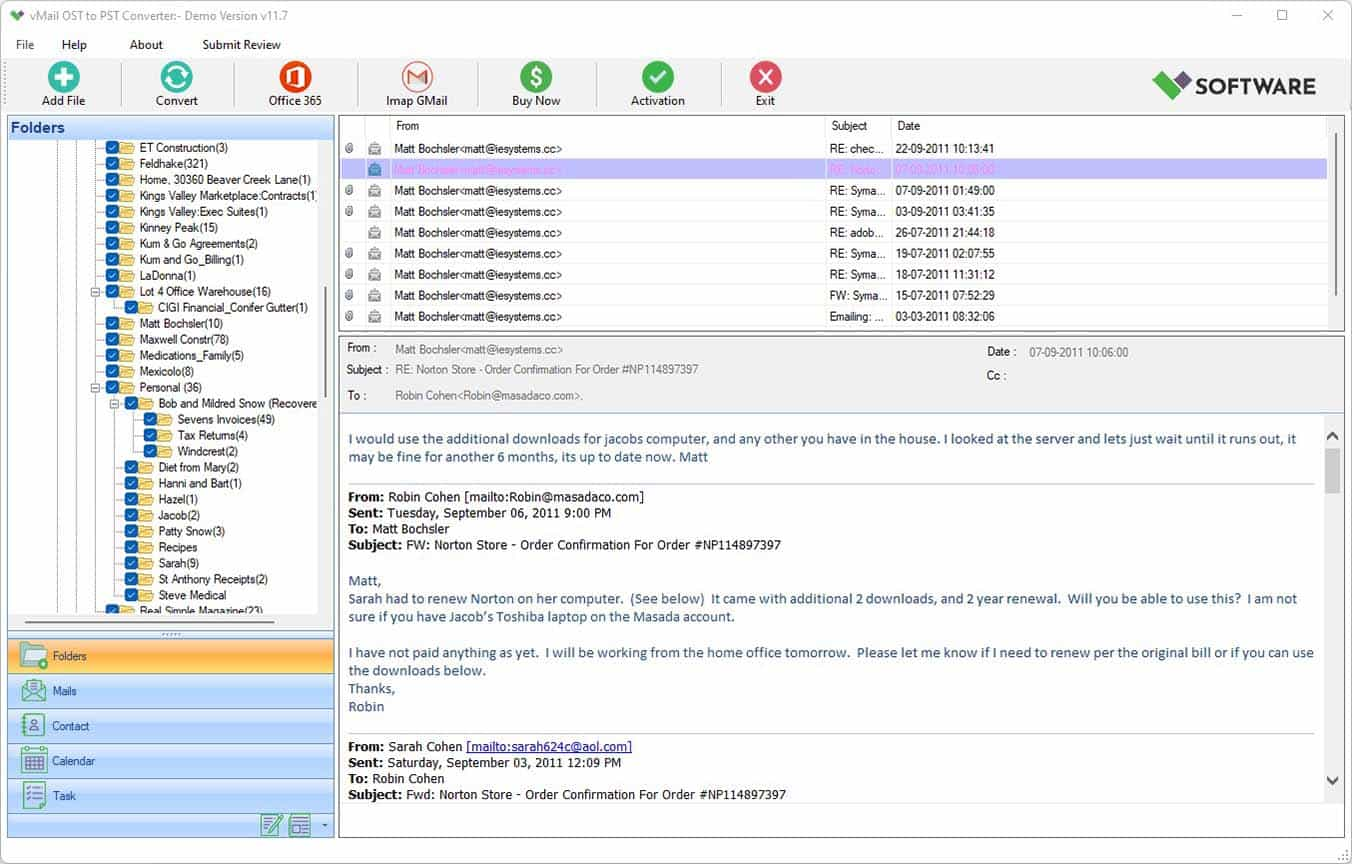
vMail OST Converter help to convert Outlook OST file to PST, MSG, MBOX, EML, EML X, HTML, PDF, RTF, vCard & vCal file formats

NSF to PST Converter easy to convert Lotus Notes (*.NSF) Files into Outlook PST, MBOX, Windows Live Mail (*.EML), MSG File
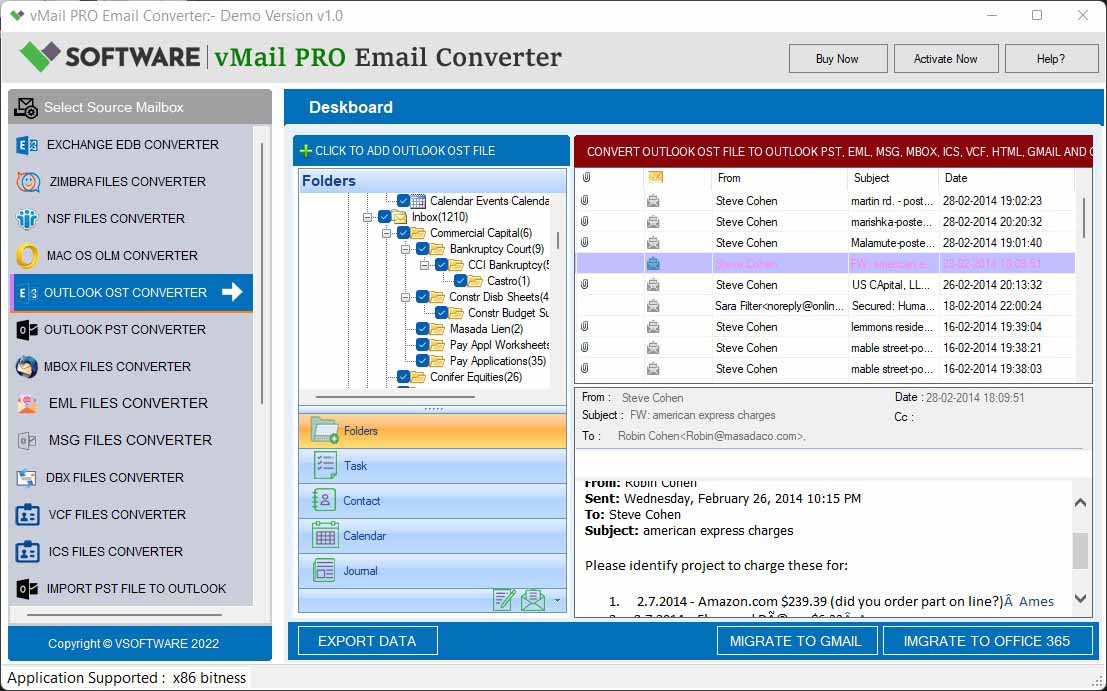
vMail Email Converter Supported 22+ Email Clients or File. Single Tool Import and Export Email to PST, EML, MSG, MBOX, Gmail and Office 365

vMail Zimbra to PST Converter Supported Outlook Version including 2021, 2019, 2016, 2013, 2010, 2007, and 2003
Leave a Reply